GoHighLevel Voice AI: Setup, Pricing & Real Test (2026)
10 min read · Updated April 2026
What is GoHighLevel's AI Voice Agent?
GoHighLevel's AI Voice Agent is an AI-powered system that handles real GoHighLevel phone system conversations. It can answer inbound calls, make outbound calls for appointment reminders, qualify leads through natural dialogue, book appointments, and transfer to human agents when needed. It integrates with GHL workflows and costs approximately $0.07-0.20 per minute depending on direction.
2026 Update: For the latest Voice AI capabilities including GPT-5 Mini, sub-600ms latency, and existing business number support, see our updated Voice AI 2026 guide.
What is the GoHighLevel AI Voice Agent?
GoHighLevel's AI Voice Agent is an AI-powered phone system that handles real conversations with leads and customers. It goes beyond simple IVR menus. The AI understands context, responds naturally, and takes actions like booking appointments or updating CRM records during the call.
For agencies, this means leads get answered immediately at any hour, appointment no-shows drop because of automated reminder calls, and your team spends less time on repetitive phone tasks.
This is part of GoHighLevel's broader AI feature set. If you are new to GoHighLevel entirely, start with our platform review.
Setting up your first Voice Agent
Step 1: Navigate to AI Voice settings
Go to Settings, then Integrations, then AI Voice in your GoHighLevel sub-account. If you are on an agency account, you can configure Voice Agents per sub-account for different clients.
Step 2: Configure your phone number
You need a GoHighLevel phone number to use Voice Agents. If you already have a Twilio or LC Phone number in your account, you can assign it to the Voice Agent. If not, purchase one through the phone numbers section.
Step 3: Create your Voice Agent persona
This is the most important step. Your Voice Agent persona includes:
Name and identity. Give the agent a name and basic identity. "Hi, this is Sarah from [Business Name]" sounds more natural than a generic greeting.
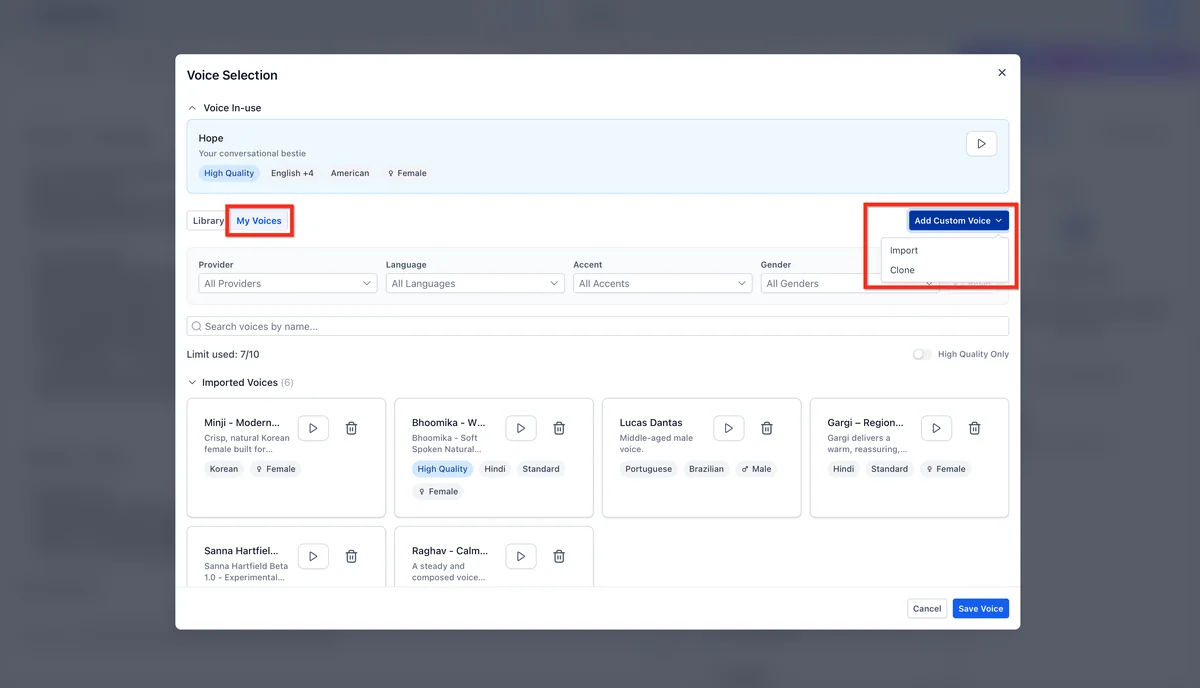
Voice selection. Choose from available voice models. Test several to find one that matches your brand. Female voices tend to perform better for appointment booking; male voices for technical support.
Speaking style. Configure pace, pause behaviour, and formality level. For appointment booking, a friendly and efficient style works best. For customer support, a more patient and empathetic tone is appropriate.
Knowledge base. Upload or paste your business information: services, pricing, hours, location, frequently asked questions, and any specific policies. The more context you provide, the better the agent handles questions.
Step 4: Define call objectives
Tell the agent what it should try to accomplish:
- Appointment booking. The agent asks qualifying questions, then checks calendar availability and books the appointment.
- Lead qualification. The agent asks a series of questions and scores the lead based on responses.
- Information delivery. The agent answers questions about your services, pricing, or hours.
- Transfer routing. The agent determines caller intent and transfers to the appropriate team member.
You can combine objectives. For example: qualify the lead, answer initial questions, then book an appointment if qualified.
Step 5: Set up escalation rules
Define when the Voice Agent should transfer to a human:
- Caller explicitly asks to speak with a person
- Conversation reaches a topic outside the agent's knowledge
- Caller expresses frustration or strong emotion
- Specific keywords or phrases are detected
- Call duration exceeds a threshold (suggesting the AI is not resolving the issue)
Step 6: Connect to workflows
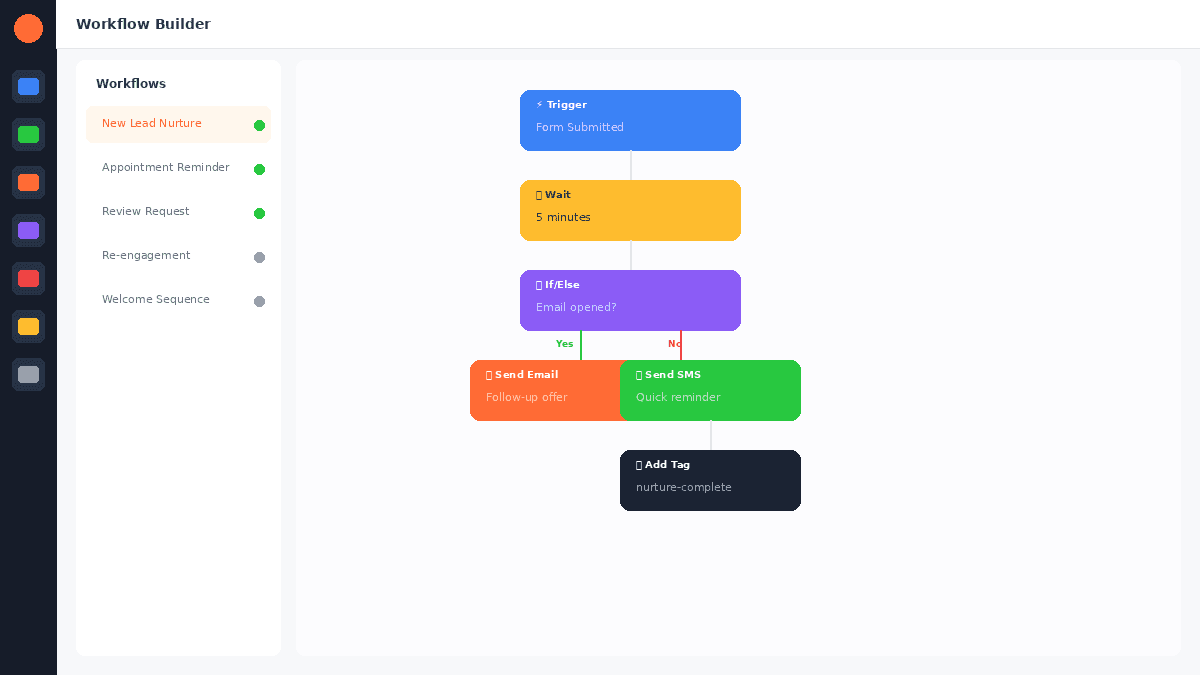
This is where Voice Agents become powerful. Connect them to GoHighLevel's automation workflows to trigger actions after calls:

- Completed qualification: move lead to next pipeline stage
- Appointment booked: send confirmation SMS and email
- Transfer requested: notify team member and log conversation summary
- Call completed: update CRM contact record with call notes
EXTENDED FREE TRIAL
Start with 30 days free, not 14.
Use our partner link to get double the standard 14-day trial.
Start Your Free 30-Day Trial →Inbound Voice Agent configuration
Greeting and opening
The opening seconds of a call determine whether the caller stays engaged. Configure your greeting to be brief, clear, and warm:
Good: "Thanks for calling [Business Name], this is Sarah. How can I help you today?"
Avoid: "Welcome to [Business Name]. I am an AI assistant. I can help you with appointments, pricing, hours, and general questions. What would you like to know?"
The first example sounds human. The second sounds like a robot reading a menu.
Handling common scenarios
Pricing questions. Provide your pricing information in the knowledge base so the agent can answer accurately. If pricing requires a consultation, train the agent to say something like: "Pricing depends on your specific situation. I can book you a free consultation where we will give you an exact quote. Would you like to schedule that?"
Appointment booking. The agent checks your calendar in real time and offers available slots. It confirms the date, time, and any pre-appointment instructions. After booking, it triggers a confirmation SMS through your workflow.
After-hours calls. Configure different behaviour for business hours vs after hours. During business hours, the agent tries to resolve or transfer. After hours, it takes a message and books a callback.
Call flow example
Here is a typical inbound call flow for a dental practice:
- Caller phones the practice number
- Voice Agent answers: "Thanks for calling Bright Smile Dental, this is Sarah. How can I help?"
- Caller: "I need to book a cleaning"
- Agent: "I would be happy to help with that. Are you an existing patient or is this your first visit?"
- Caller: "First visit"
- Agent: "Welcome! I have availability this Thursday at 2 PM or Friday at 10 AM. Which works better for you?"
- Caller: "Thursday at 2"
- Agent: "Perfect, I have you down for Thursday at 2 PM. Can I get your name and a phone number for our records?"
- Agent books the appointment, sends confirmation SMS, updates CRM
This entire interaction takes 60-90 seconds. Without the Voice Agent, it would require a receptionist to be available at the moment the call comes in.
For more on how agencies in specific industries use this, see our guides for dentists and real estate.
Outbound Voice Agent use cases
Appointment reminders
The highest-ROI outbound use case. Configure the Voice Agent to call patients or clients 24 hours before their appointment:
"Hi, this is Sarah from Bright Smile Dental. I am calling to confirm your appointment tomorrow at 2 PM. Can you confirm you will be there? Press 1 to confirm, or I can help you reschedule."
Agencies using AI appointment reminders report 25-40% reduction in no-shows.
Lead follow-up
For leads that submitted a form but have not responded to email or SMS, an outbound voice call can re-engage them:
"Hi [Name], this is Sarah from [Business]. You recently requested information about [service]. Do you have a couple of minutes? I would love to answer any questions you have."
Re-engagement campaigns
Reach out to dormant customers or leads with a relevant offer:
"Hi [Name], this is Sarah from [Business]. We have not heard from you in a while, and I wanted to let you know about [offer]. Would you like to hear more?"
FREE TRIAL
Get 30 Days Free With Our Partner Link
- ✓Full access for 30 days
- ✓No charge during the trial
- ✓Cancel any time
Join 2.2 million businesses already running on GoHighLevel
Voice Agent best practices
Keep conversations focused
Voice Agents work best for structured interactions with clear objectives. Appointment booking, qualification, and information delivery are strong use cases. Open-ended customer support conversations are more challenging.
Test extensively before going live
Run at least 20-30 test calls covering different scenarios before activating the agent for real calls. Test edge cases: callers who ramble, callers who ask unexpected questions, callers who get frustrated.
Monitor and refine weekly
Review call recordings and transcripts weekly. Look for patterns where the agent struggles and update the knowledge base or escalation rules accordingly. The first month requires the most tuning.
Use warm transfers, not cold
When the Voice Agent transfers to a human, configure it to provide context: "I am transferring you to our team now. I will let them know you are interested in [topic] so you do not have to repeat yourself."
Set realistic expectations
Voice Agents handle 70-85% of routine calls well. The remaining 15-30% will need human intervention. This is still a significant time savings compared to handling 100% of calls manually.
Pricing and costs
Voice Agent costs are usage-based on top of your GoHighLevel subscription:
| Call Type | Approximate Cost |
|---|---|
| Inbound calls | $0.07-0.15 per minute |
| Outbound calls | $0.10-0.20 per minute |
| Phone number | $1.50-3.00 per month |
A dental practice handling 50 inbound calls per month at an average of 2 minutes each would spend approximately $10-$15/month on Voice Agent costs. Compare that to the cost of a receptionist handling those same calls. For higher-volume accounts, the AI Employee unlimited plan covers inbound Voice AI and all core AI features for a flat $97/month per sub-account.
For full platform pricing details, see our pricing guide.
For additional context, see AI voice technology trends from Gartner.
For additional context, see TCPA compliance guide for AI calling from FCC.
Frequently Asked Questions
Can callers tell they are talking to an AI?
Does the Voice Agent work with my existing phone number?
Can the Voice Agent handle multiple languages?
What happens if the Voice Agent gets confused?
Can I use Voice Agents for cold calling?
You can try GoHighLevel Voice Agents free for 30 days with the extended trial.
For the 30-day free trial (double the standard 14 days), see our GoHighLevel free trial guide.
Related Articles
EXTENDED FREE TRIAL
Start with 30 days free, not 14.
Use our partner link to get double the standard 14-day trial.
Start Your Free 30-Day Trial →Ashley Kemp is a digital entrepreneur and perpetual traveller. Switched from ClickFunnels to GoHighLevel years ago and never looked back. Writing about what actually works.
Was this article helpful?


